
Gold foil confetti falling
Gold foil pieces tumbling slowly on black and flashing as they turn. Darker and sparser than the glitter, so it sits over footage without covering it.
A embers, sparks, fire and glitter shot from the video overlay collection.
Gold foil confetti falling
Download HD mp4Downloads
- Original · HD 1920x1080 mp4Download
- Vertical 9:16 · same footage reframed · HD 1080x1920 mp4Download
- Upscaled 4K · 3840x2160 mp4 · $5 once, every 4K overlay, for lifeGet 4K, $5
Free for commercial use, no signup, no watermark. Read the full licence terms.
Vertical 9:16 for reels and shorts
A 1080x1920 version of this scene, reframed from the same footage rather than cropped out of the middle of it, so the subject stays in frame instead of sliding off the edge. Free HD download, same licence.
About this clip
Every clip in this collection is AI-generated and hand-picked. Each one is light or particles against a black background, which is what makes them work as overlays: black disappears under a screen or lighten blend, leaving only the light.
Questions
How do I use a video overlay?+
Drop the clip on a layer above your footage and set the blend mode to screen or lighten. The black background disappears and only the light or particles remain. Lower the layer opacity to control the strength.
How do I use a video overlay in CapCut?+
On a phone: open your project, tap Overlay, then Add overlay, and choose the clip. With it selected, tap Blend and pick Screen; the black disappears. Lower the opacity to taste. On desktop: select the overlay clip, then Video, Basic, Blend, and set the mode to Screen.
Can I use these clips commercially?+
Yes. All clips are licensed for commercial use in videos, ads, and client projects. You cannot resell or redistribute the raw clips themselves.
Do the overlays have a watermark?+
No. Every clip downloads as a clean HD mp4 with no watermark and no signup.
More overlay scenes
View the full collection Volumetric god rays through haze
 Warm light leak sweep
 Warm bokeh lights drifting
 Embers drifting upward
 Sparks floating and fading
 Smoke wisps curling on black
 Fog drifting across black
 Water caustics rippling
 Dust motes drifting in a light beam
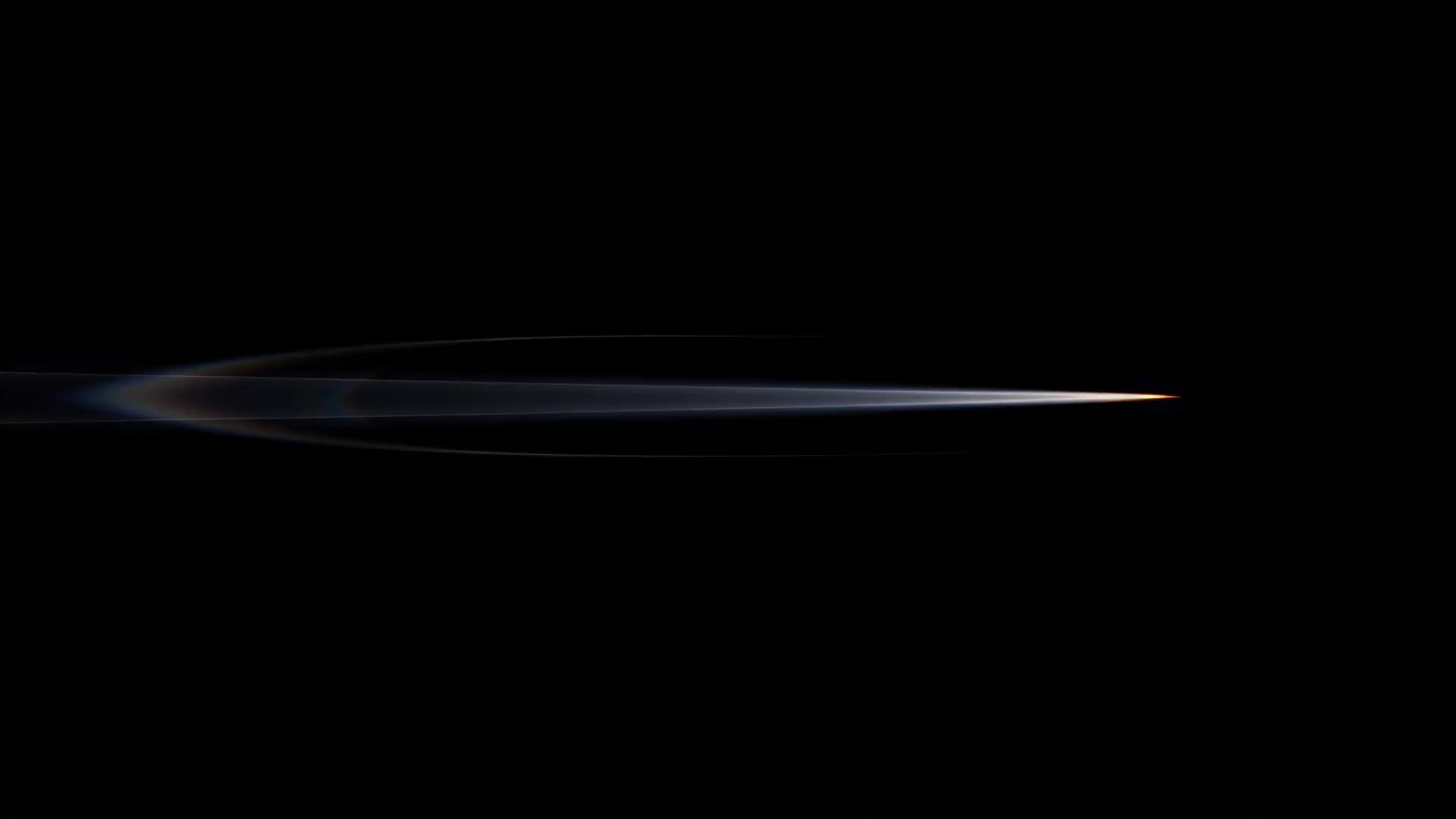 Anamorphic lens flare drifting across frame
 Film grain with scratches and gate weave
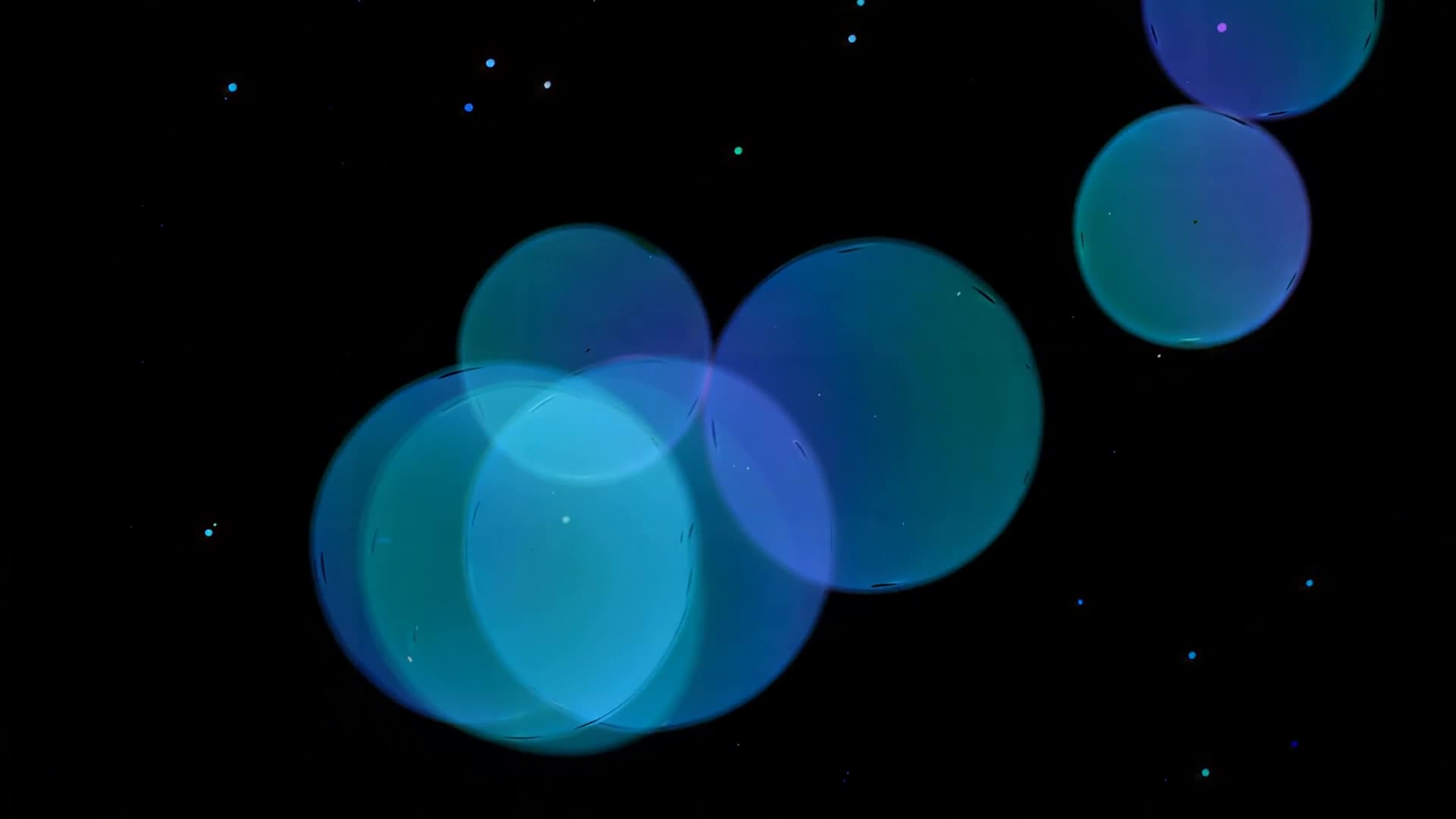 Cool blue bokeh circles drifting
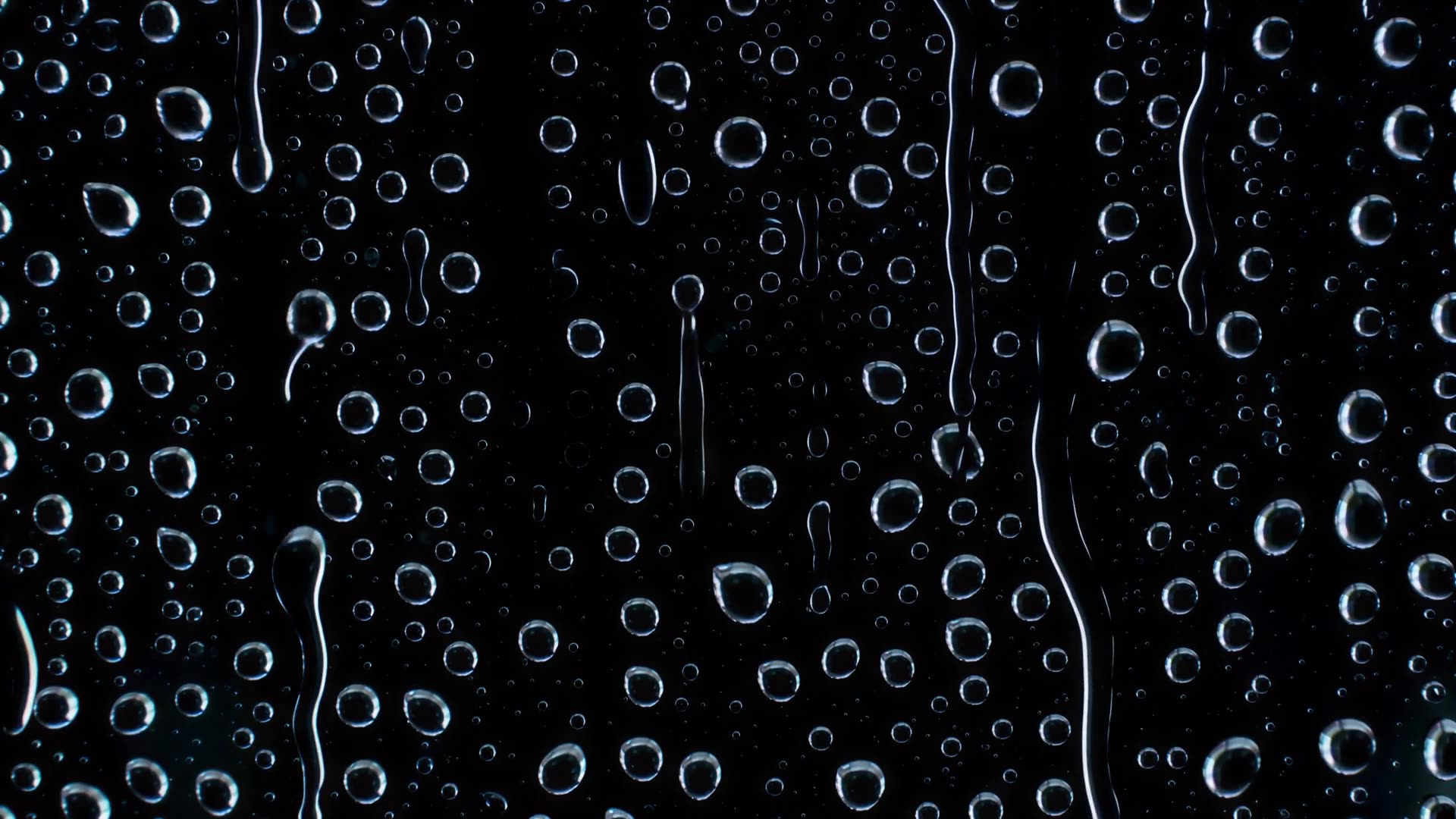 Rain on a window at night, close-up
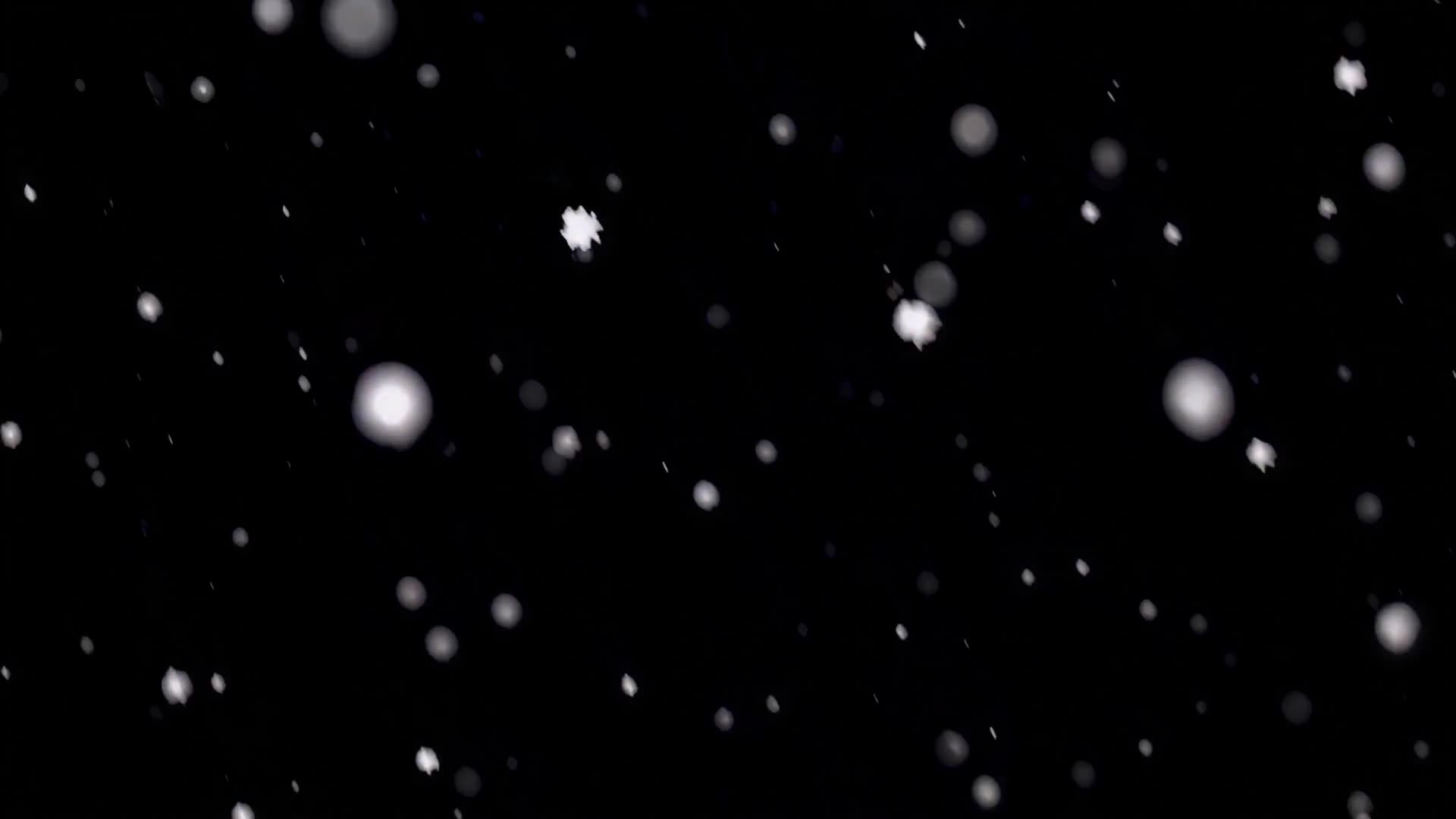 Soft out-of-focus snow falling
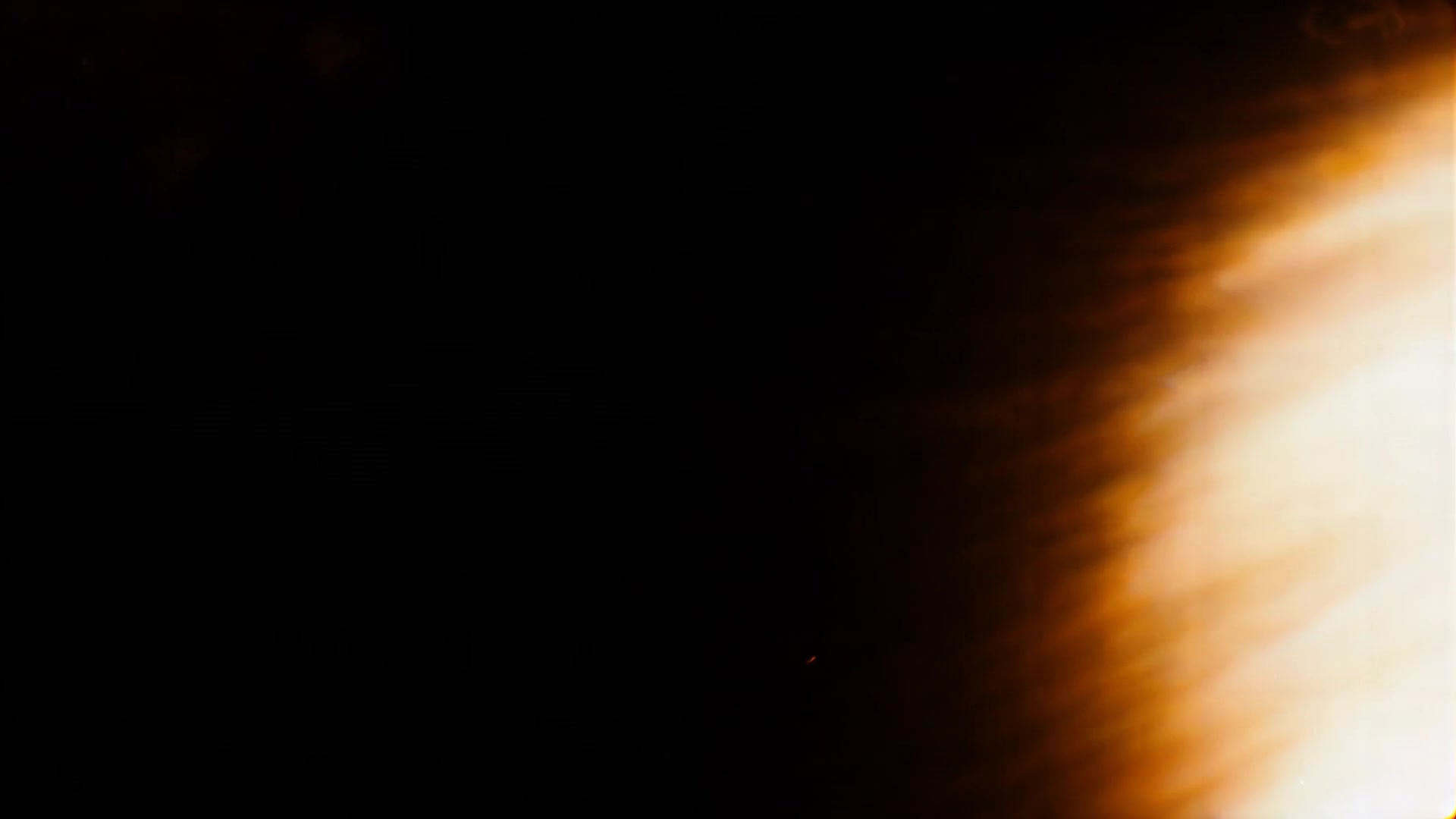 Light leak burning to white
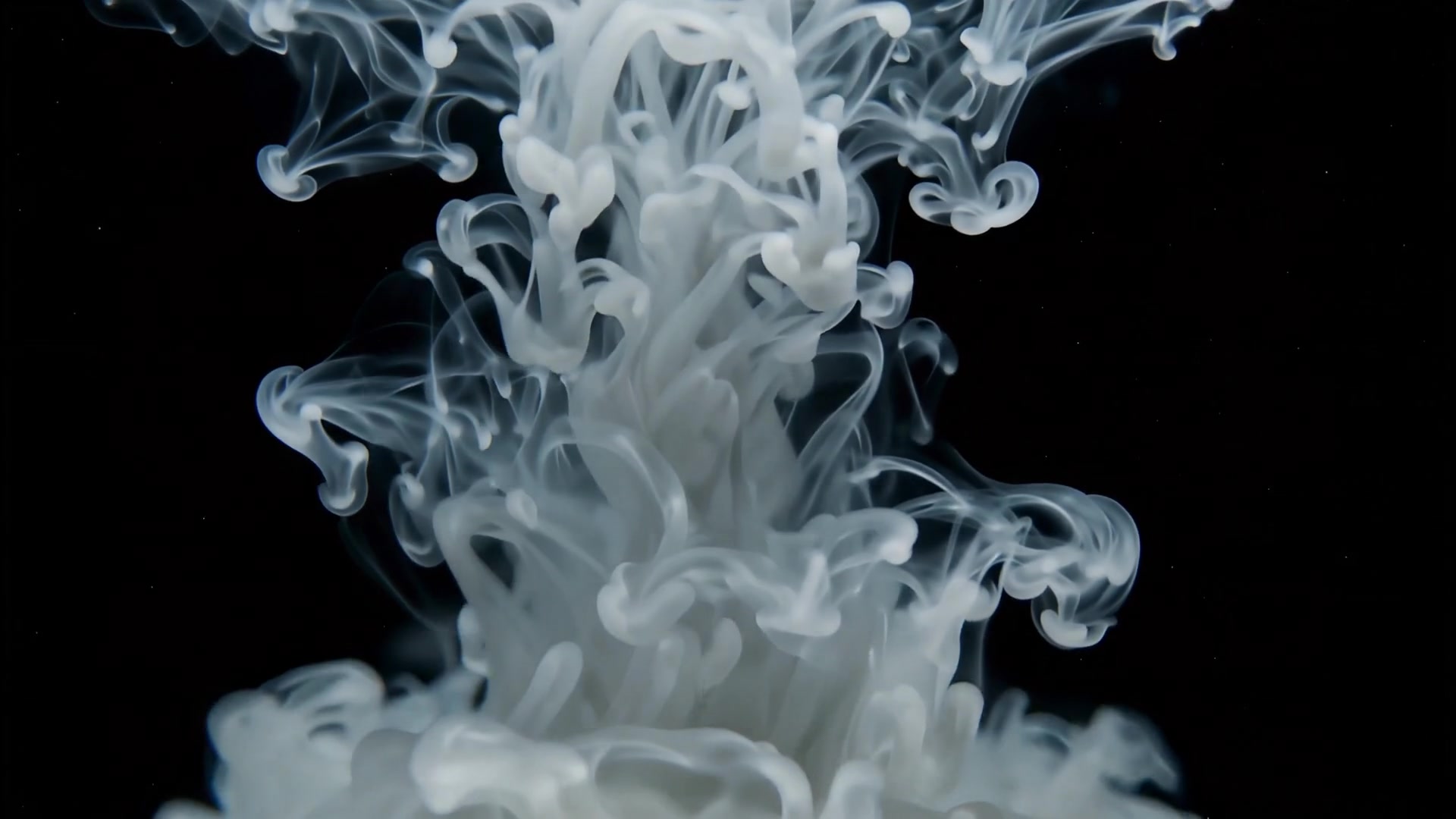 White ink plume in black water
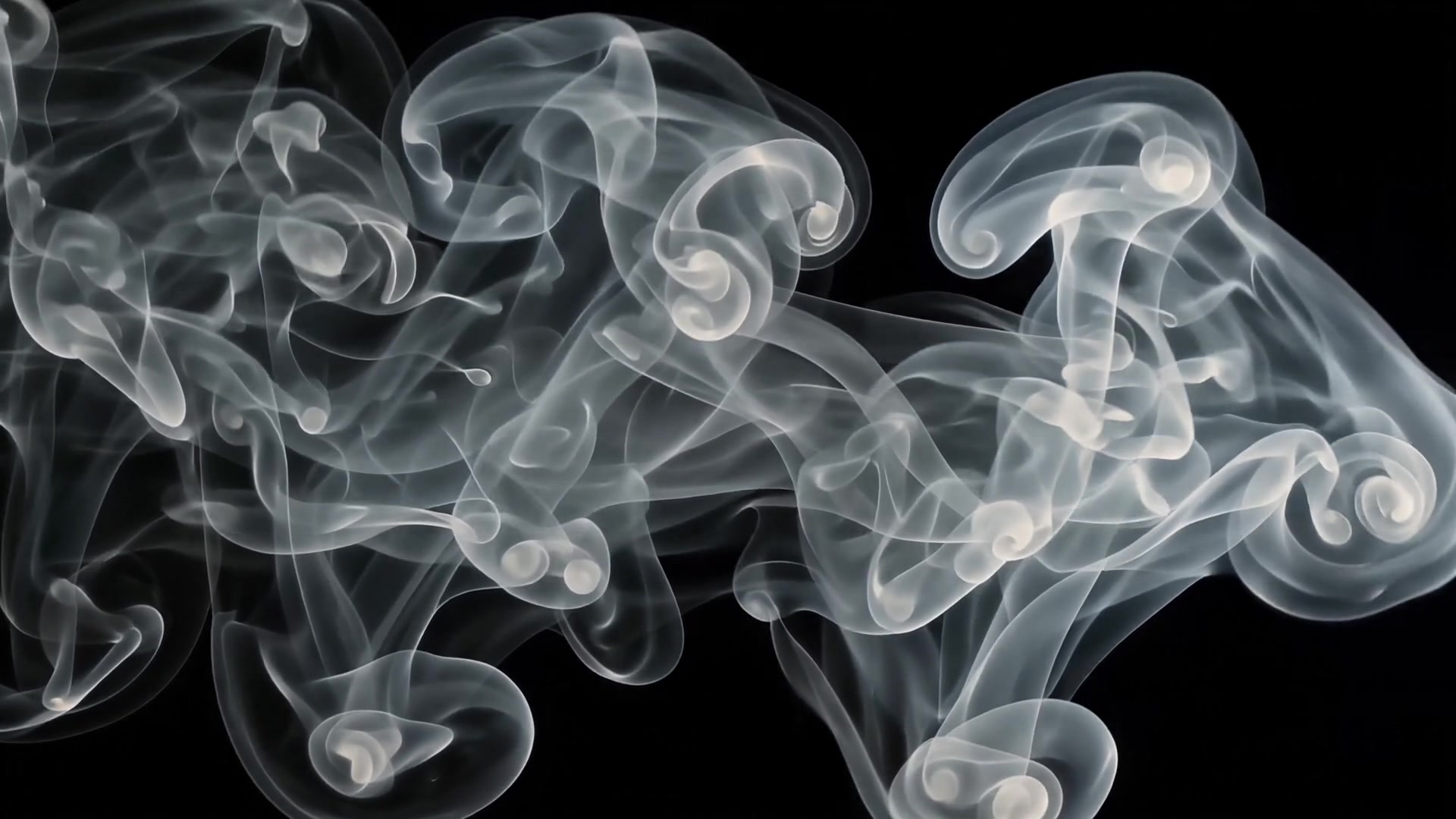 Smoke wipe across black
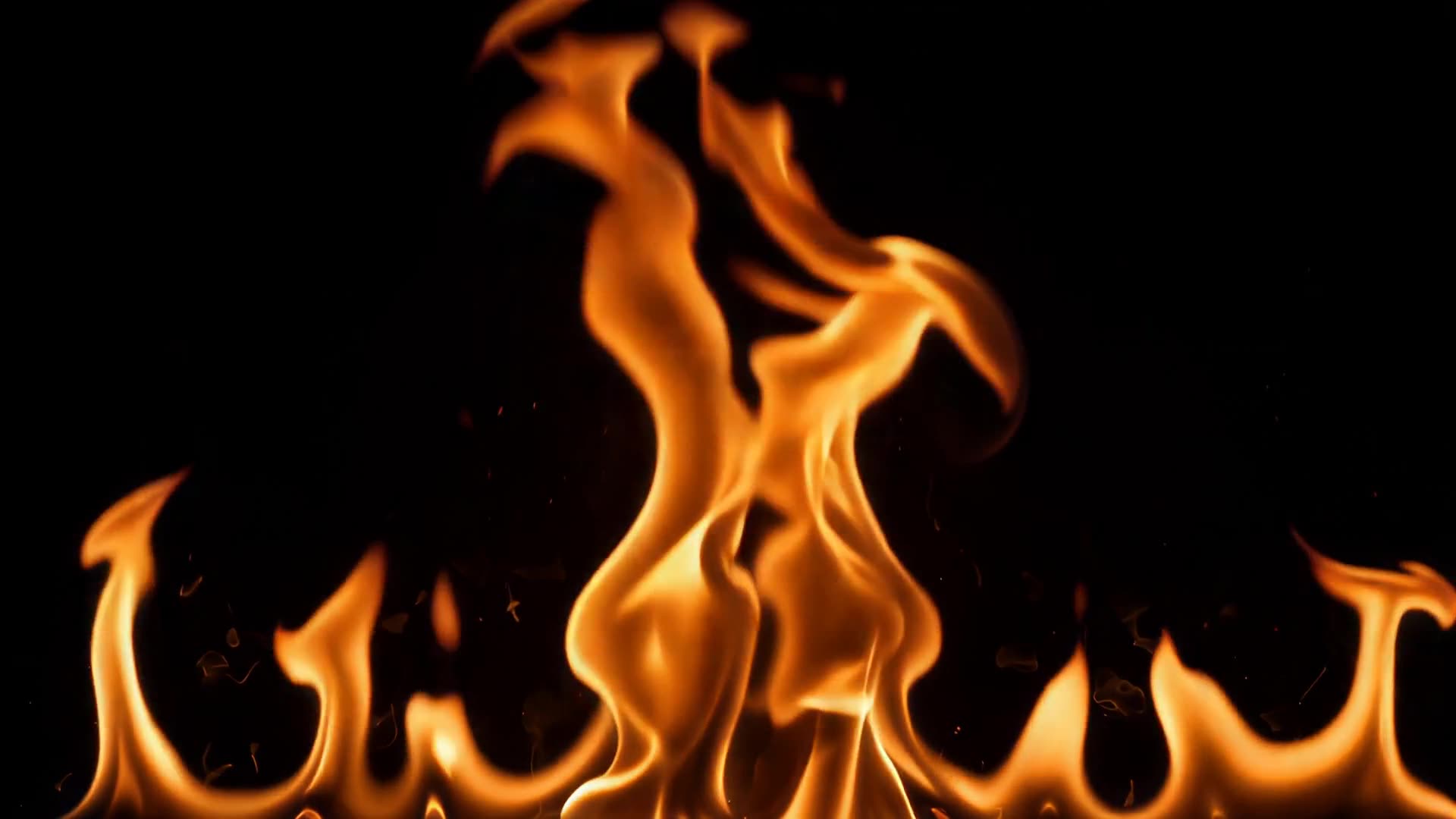 Flames along the bottom edge
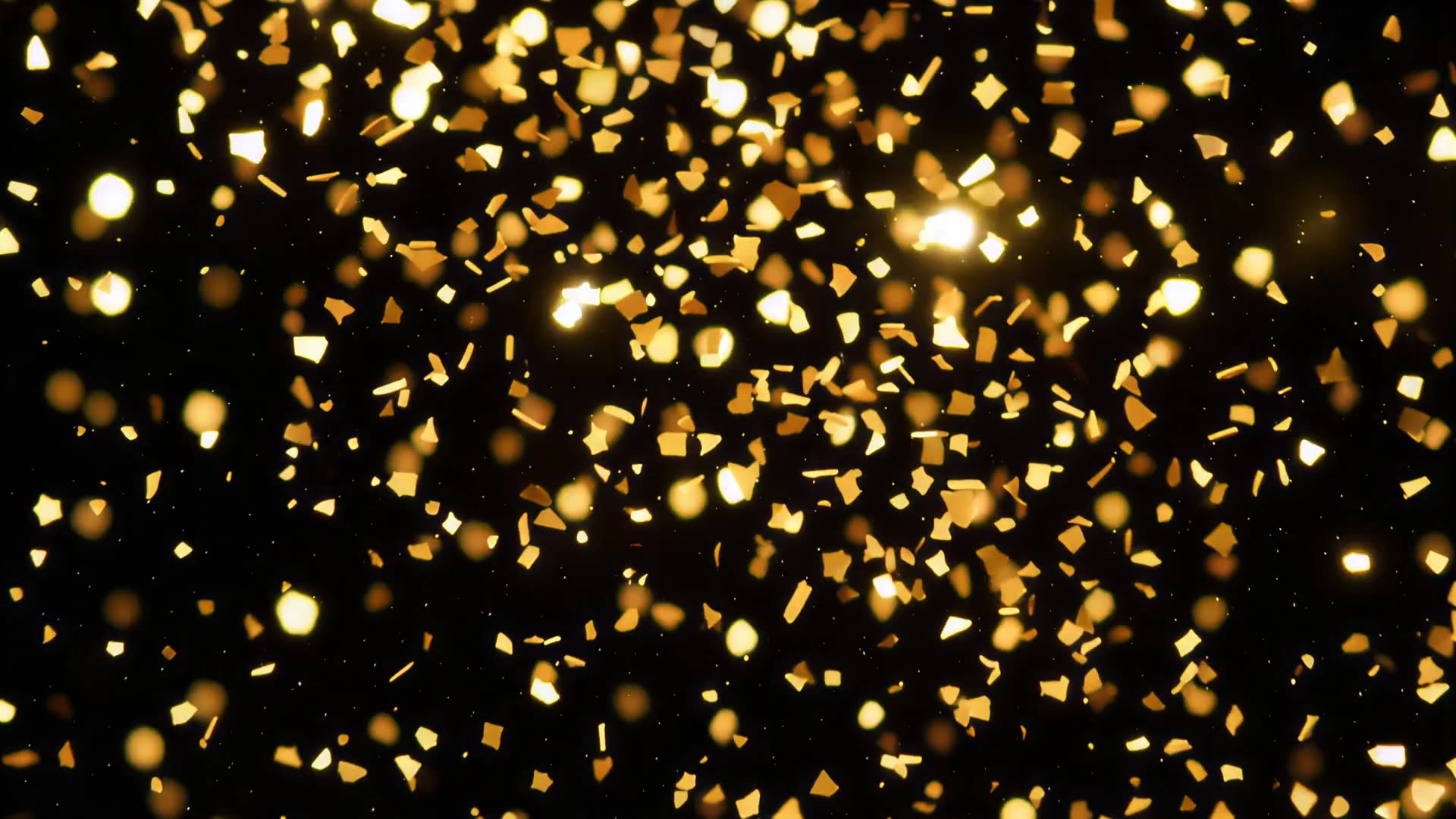 Gold glitter falling
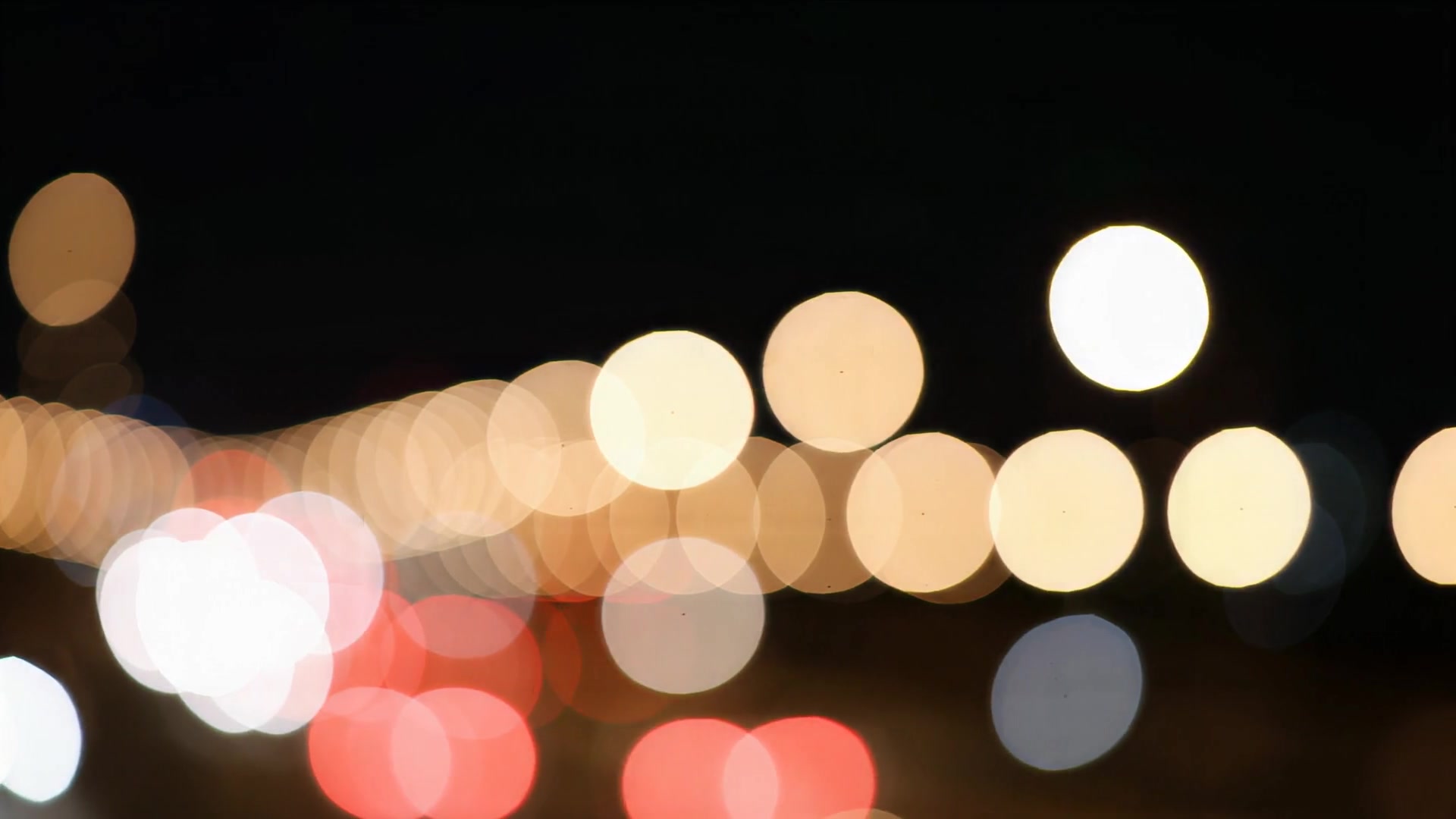 City lights out of focus at night
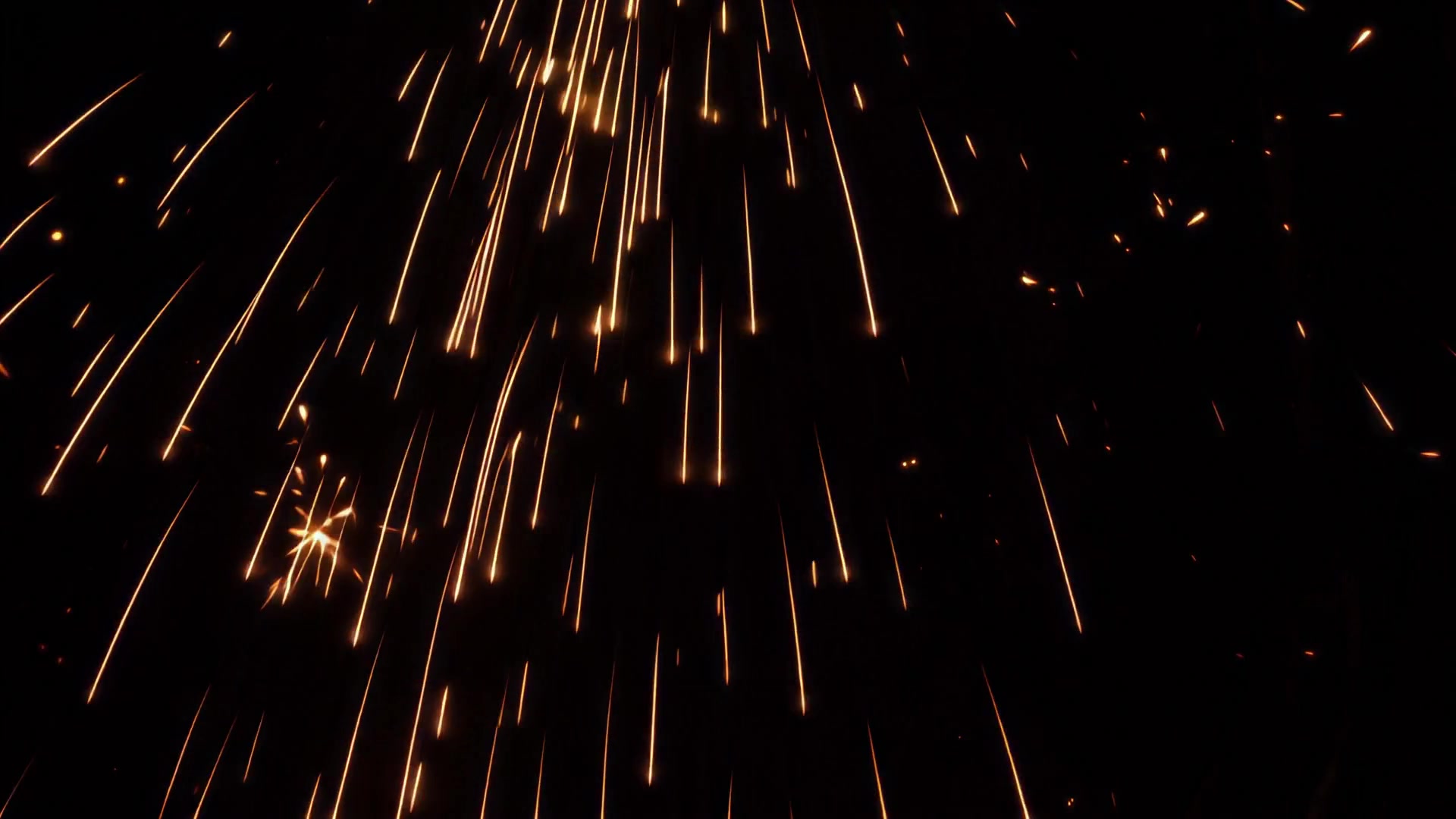 Sparks showering down
 Powder cloud thinning to black
 Fog rolling in to fill the frame
 Smoke wipe from the right
 Double light burn from the top
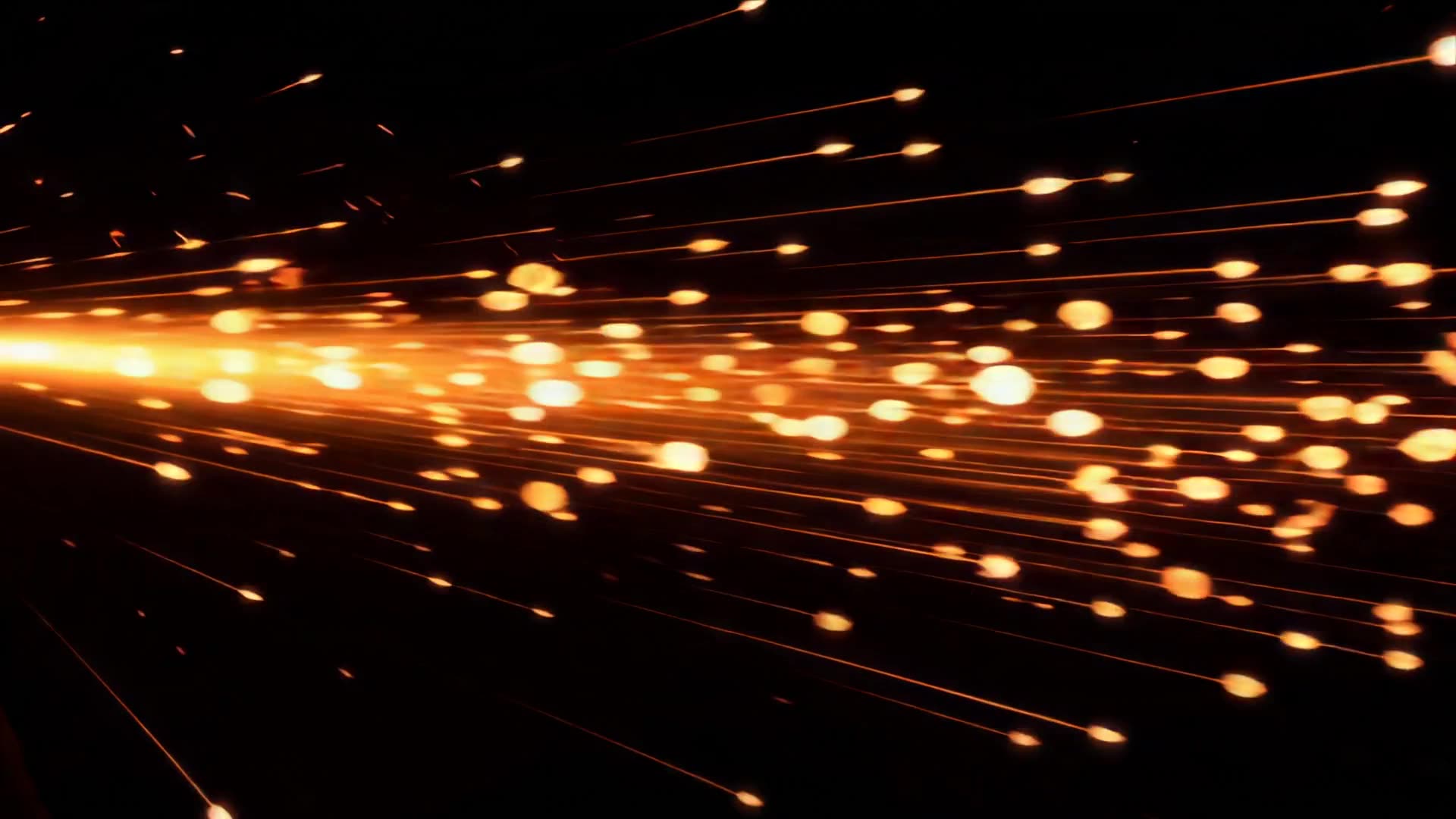 Sparks spraying in from the left
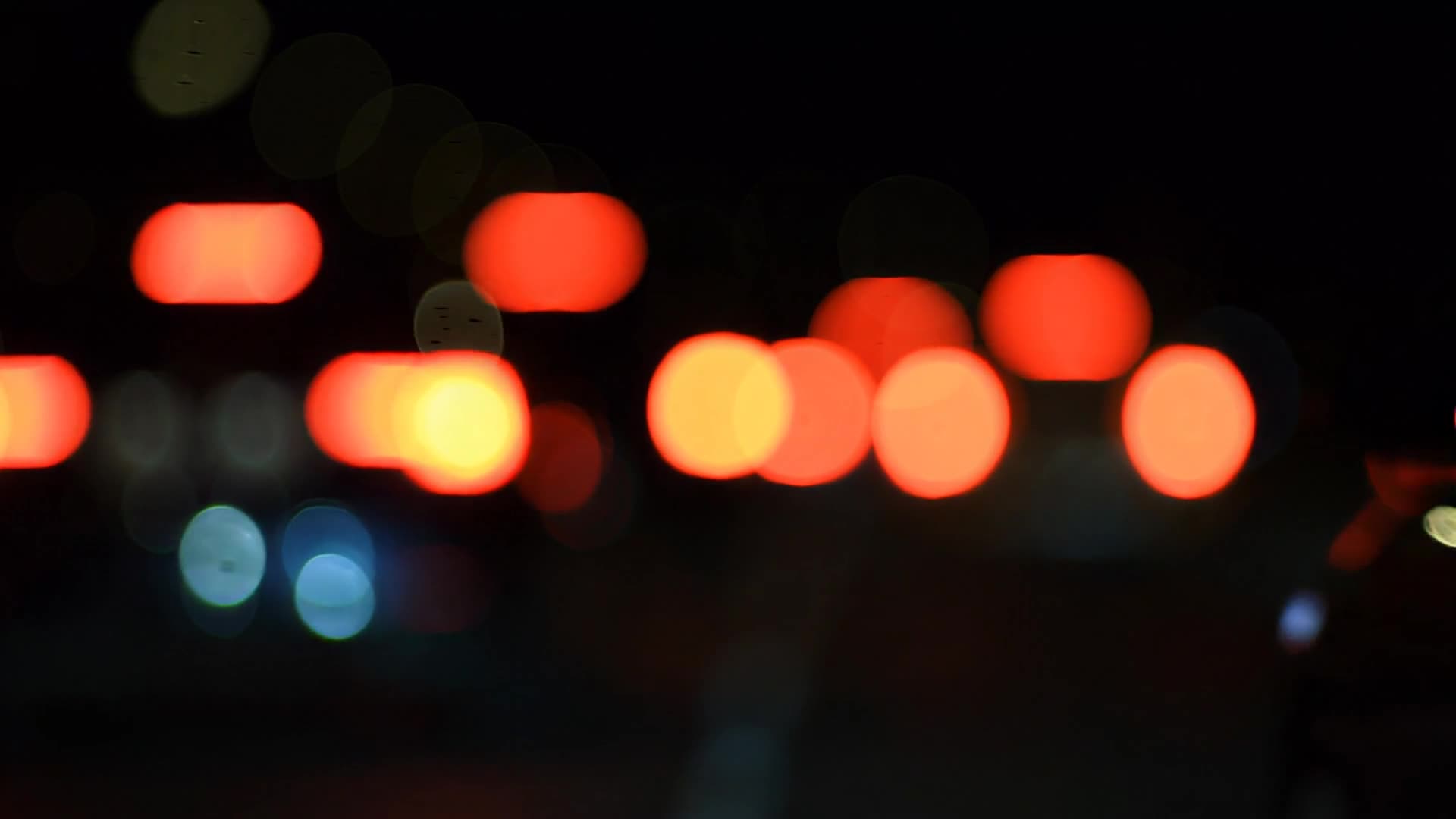 Red tail-light bokeh at night
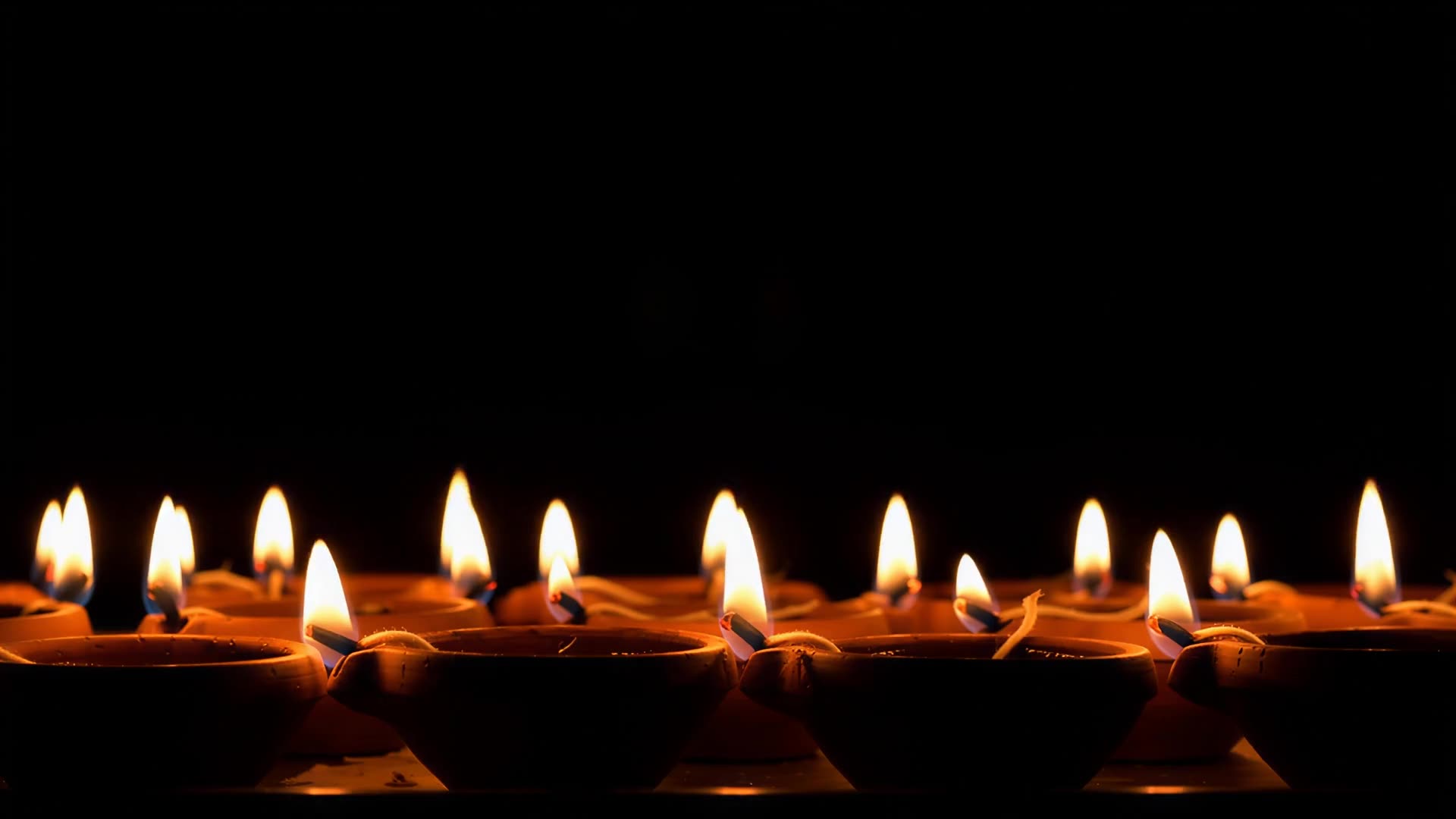 Row of diyas burning
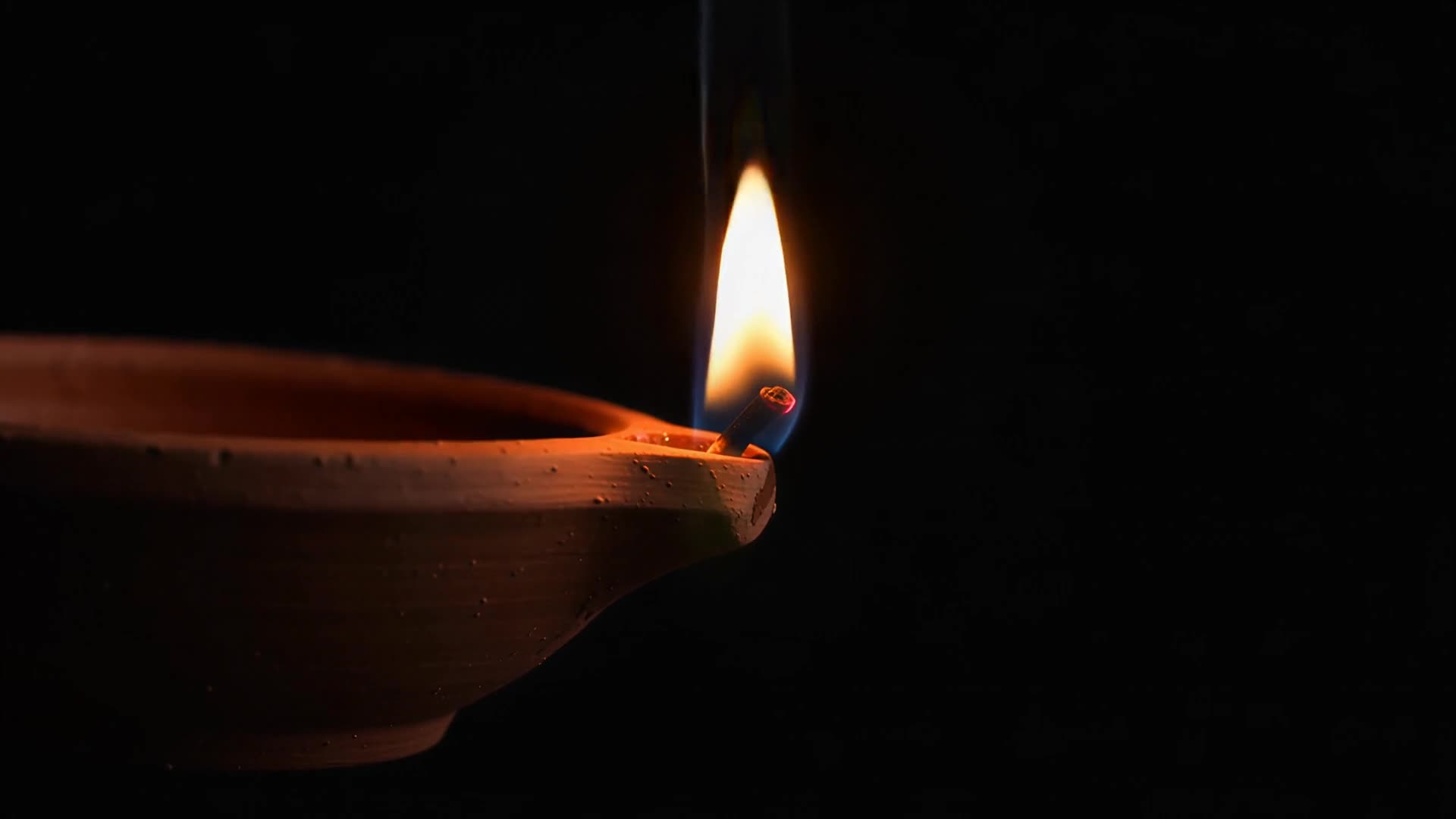 Single diya flame, close-up
 Diya lights out of focus, drifting
 Orange flower petals falling
 Gold fireworks bursting
 Red, green and gold fireworks
 Gold willow firework
 Small distant fireworks
 Firework fountain sparks rising
 Smoke curling in green light
 Low purple fog along the floor