
Overlay B-Roll
39 free video overlay clips in HD. 16 of them also come in vertical 9:16 for reels and shorts (look for the 9:16 chip). Every clip is light or particles on a black background, built for blend modes: drop it straight over your own footage with a screen or lighten blend and lower the opacity to taste. The burns, wipes and ink plumes double as transitions: cut on the frame where they fill the screen.
Browse by type: particle overlays, halloween overlays, diwali overlays.
Halloween overlays
10 free overlays that suit Halloween, all on black. Each opens its own page with the download.
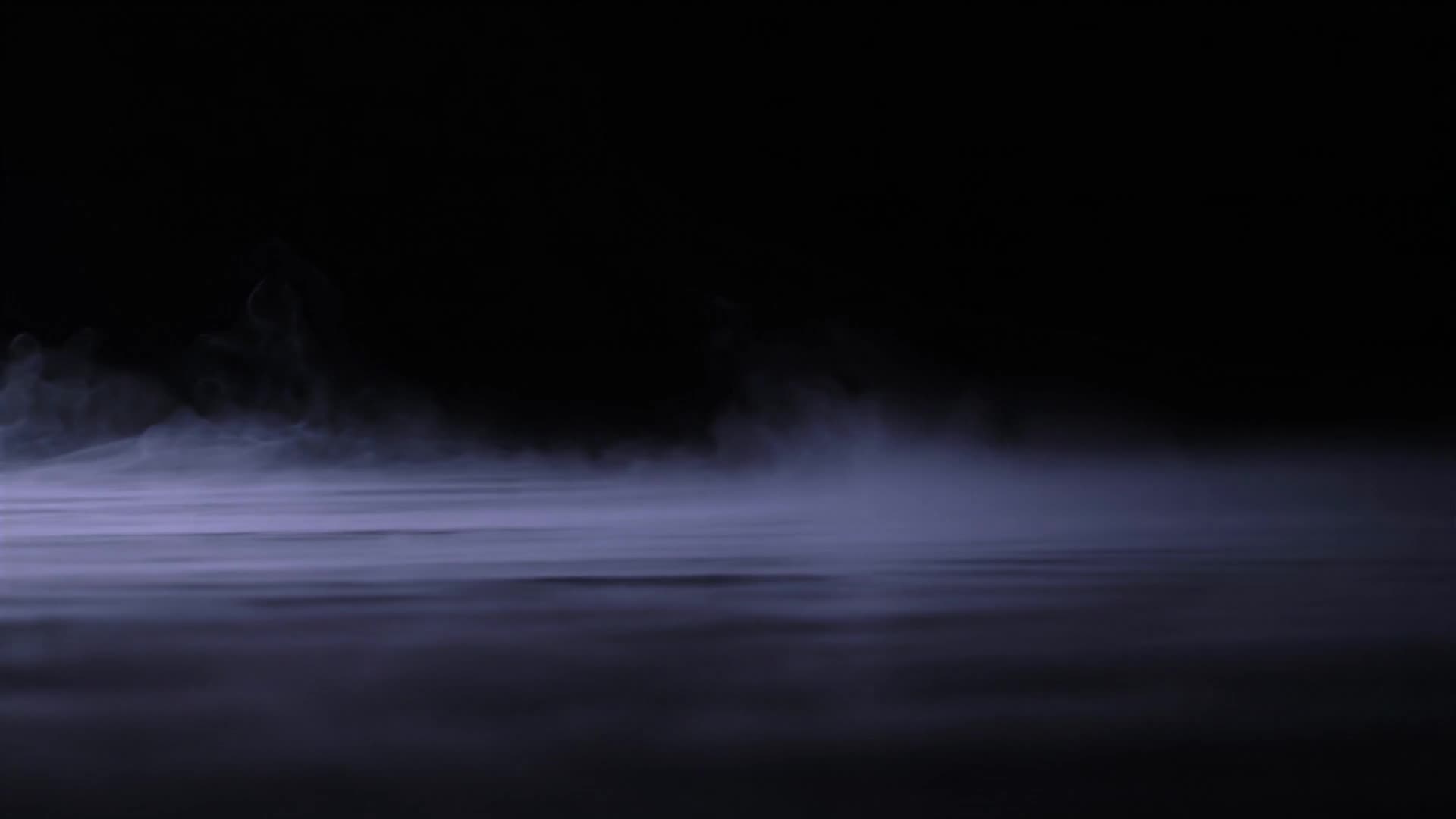 Low purple fog along the floor
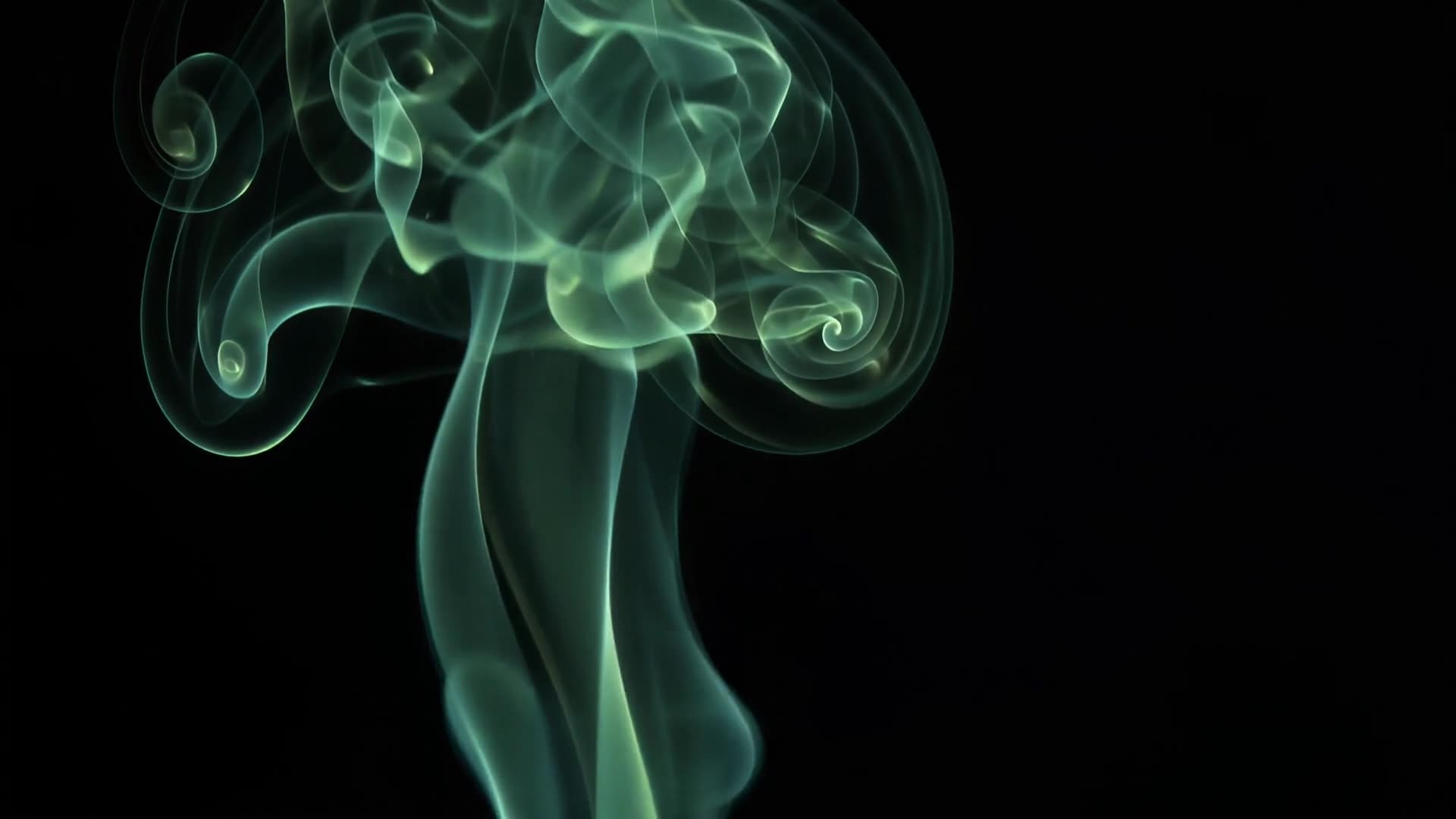 Smoke curling in green light
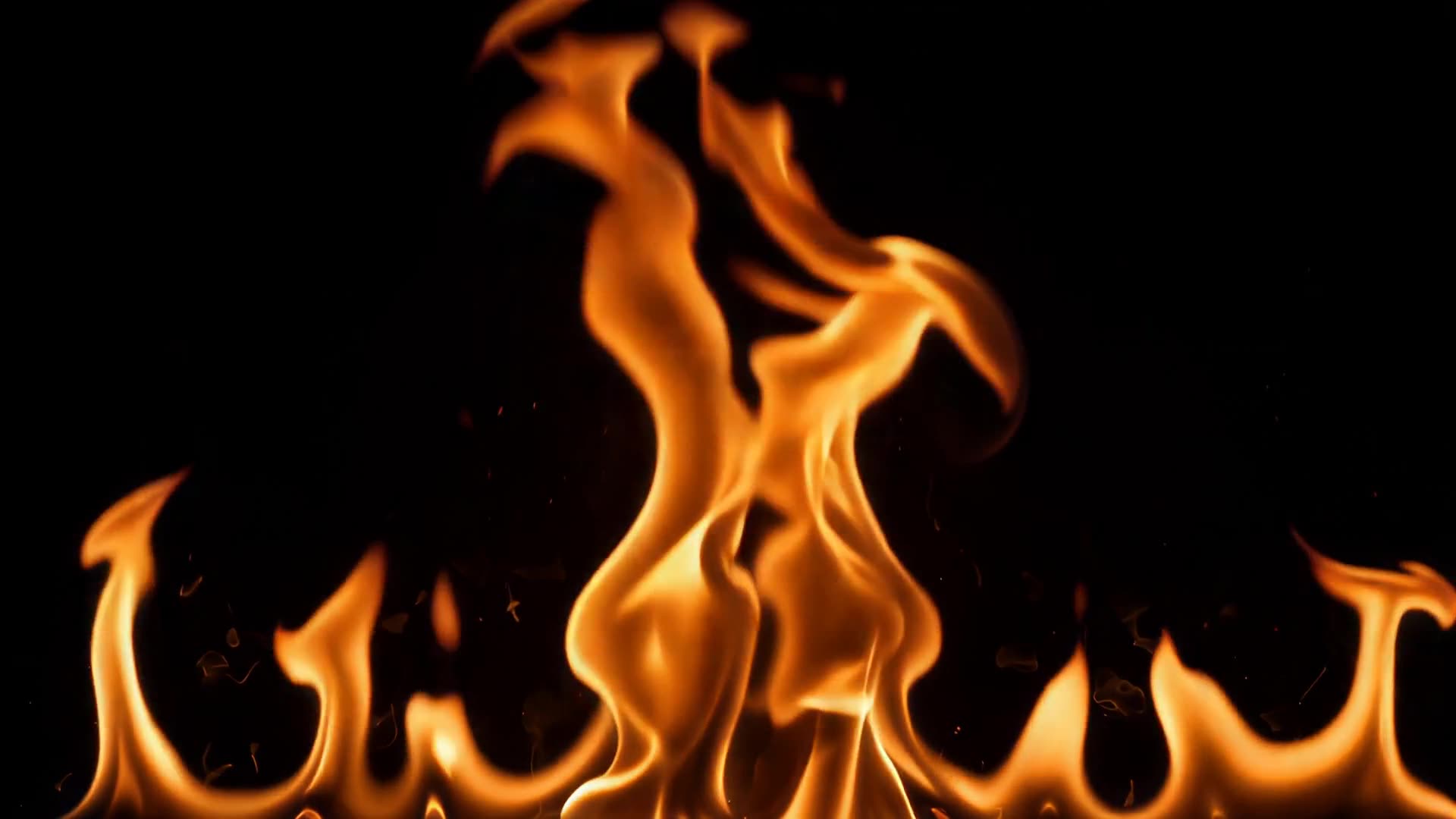 Flames along the bottom edge
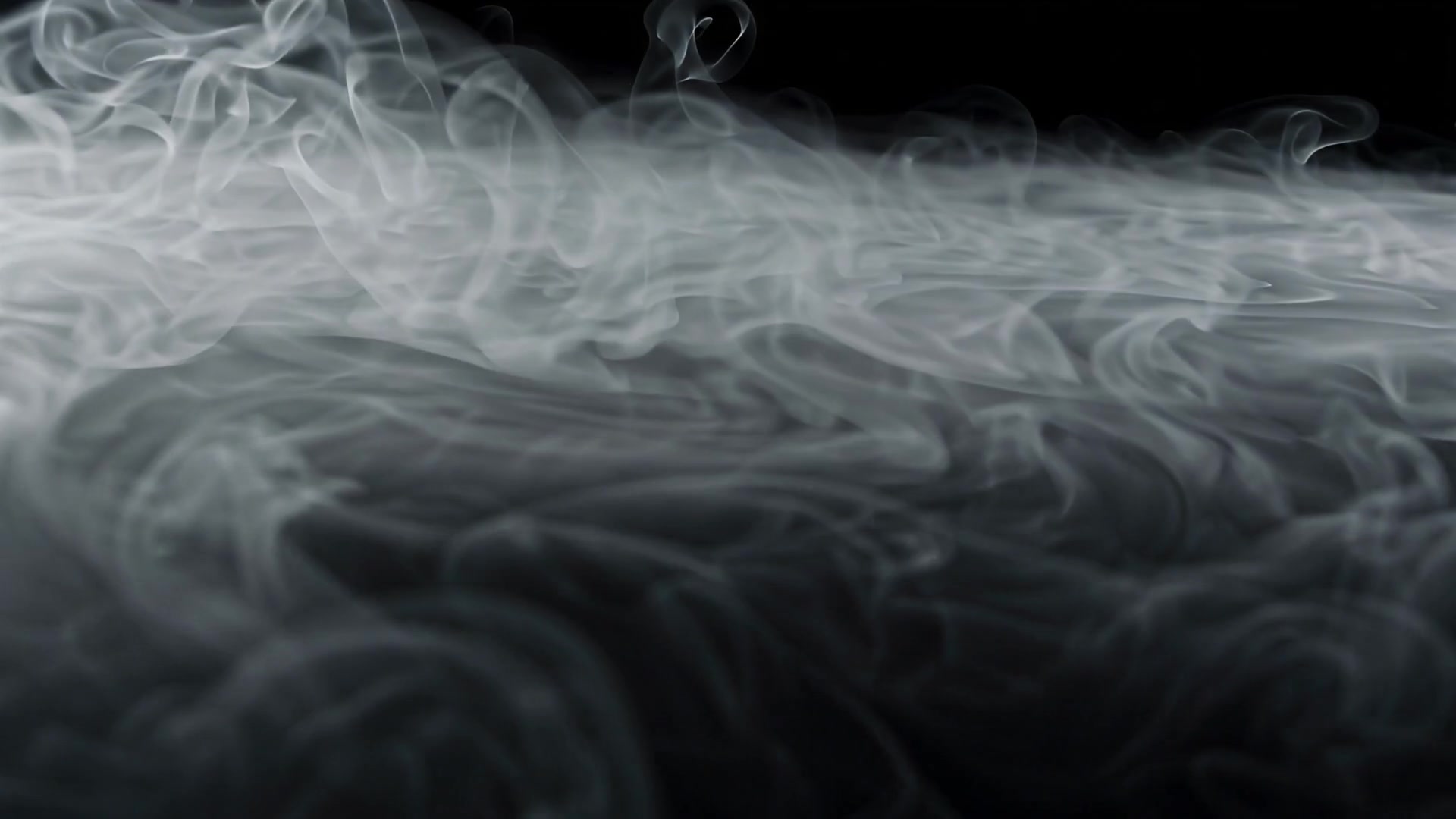 Fog rolling in to fill the frame
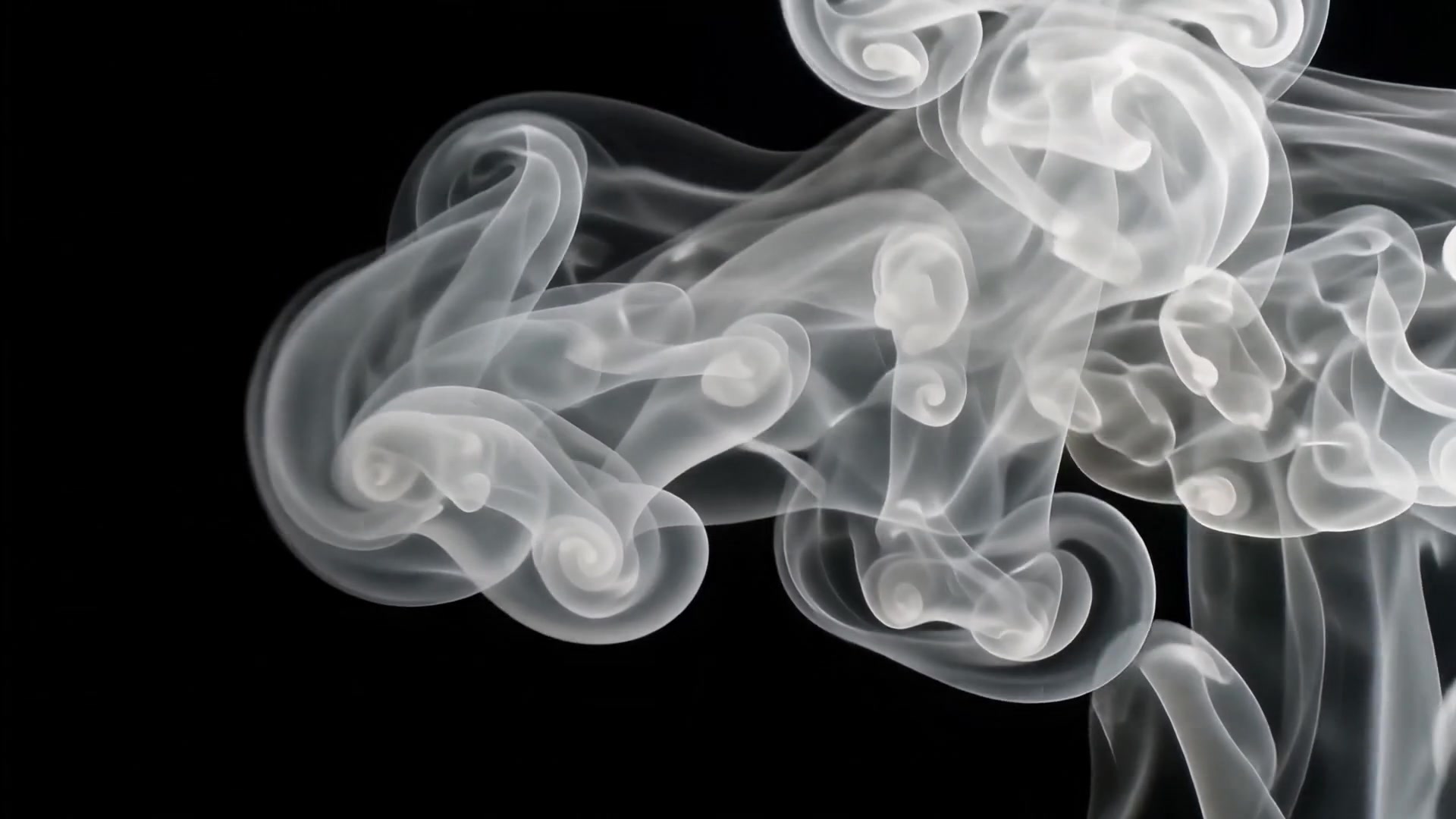 Smoke wipe from the right
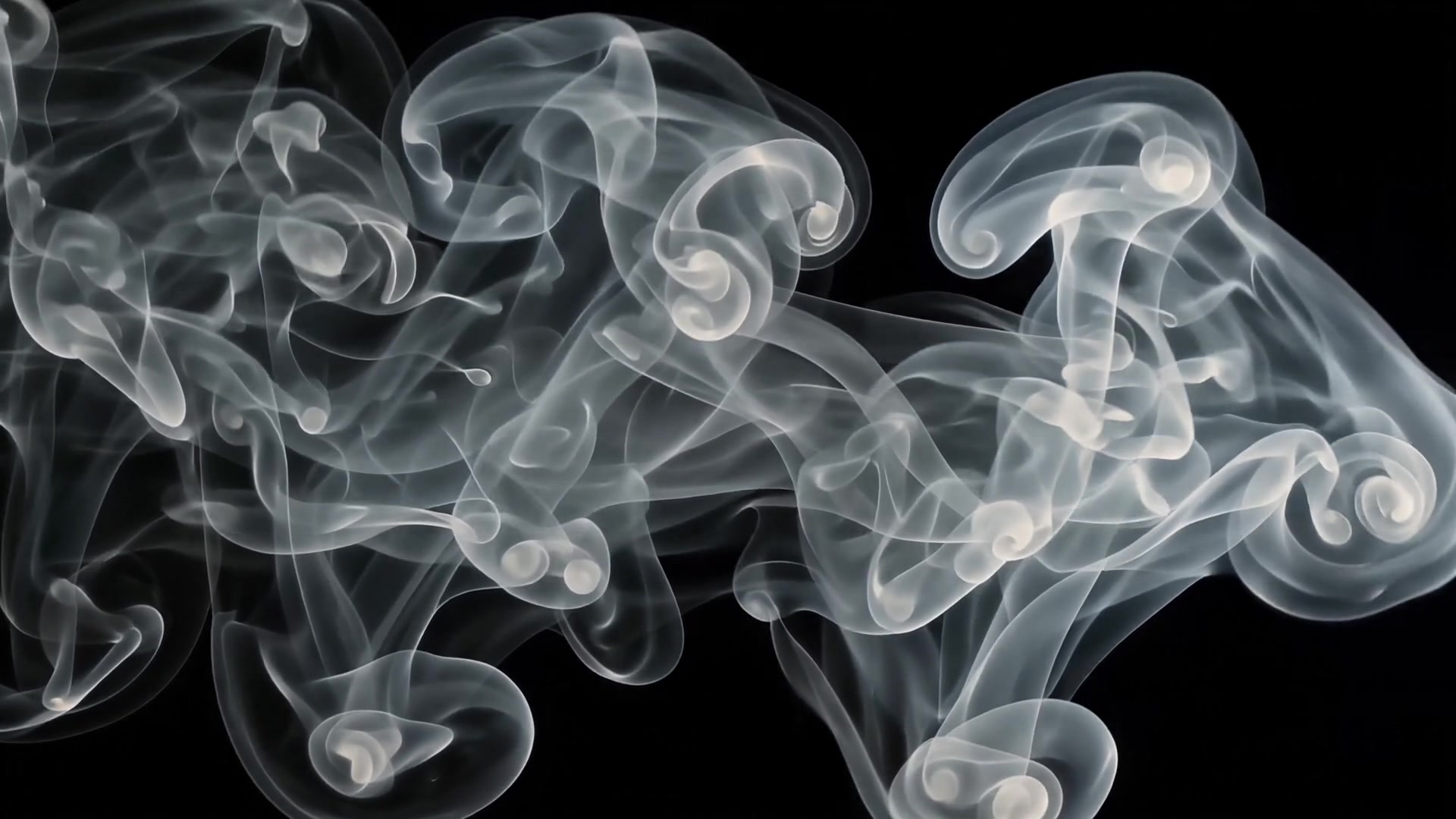 Smoke wipe across black
Diwali overlays
11 free overlays that suit Diwali, all on black. Each opens its own page with the download.
 Row of diyas burning
 Red, green and gold fireworks
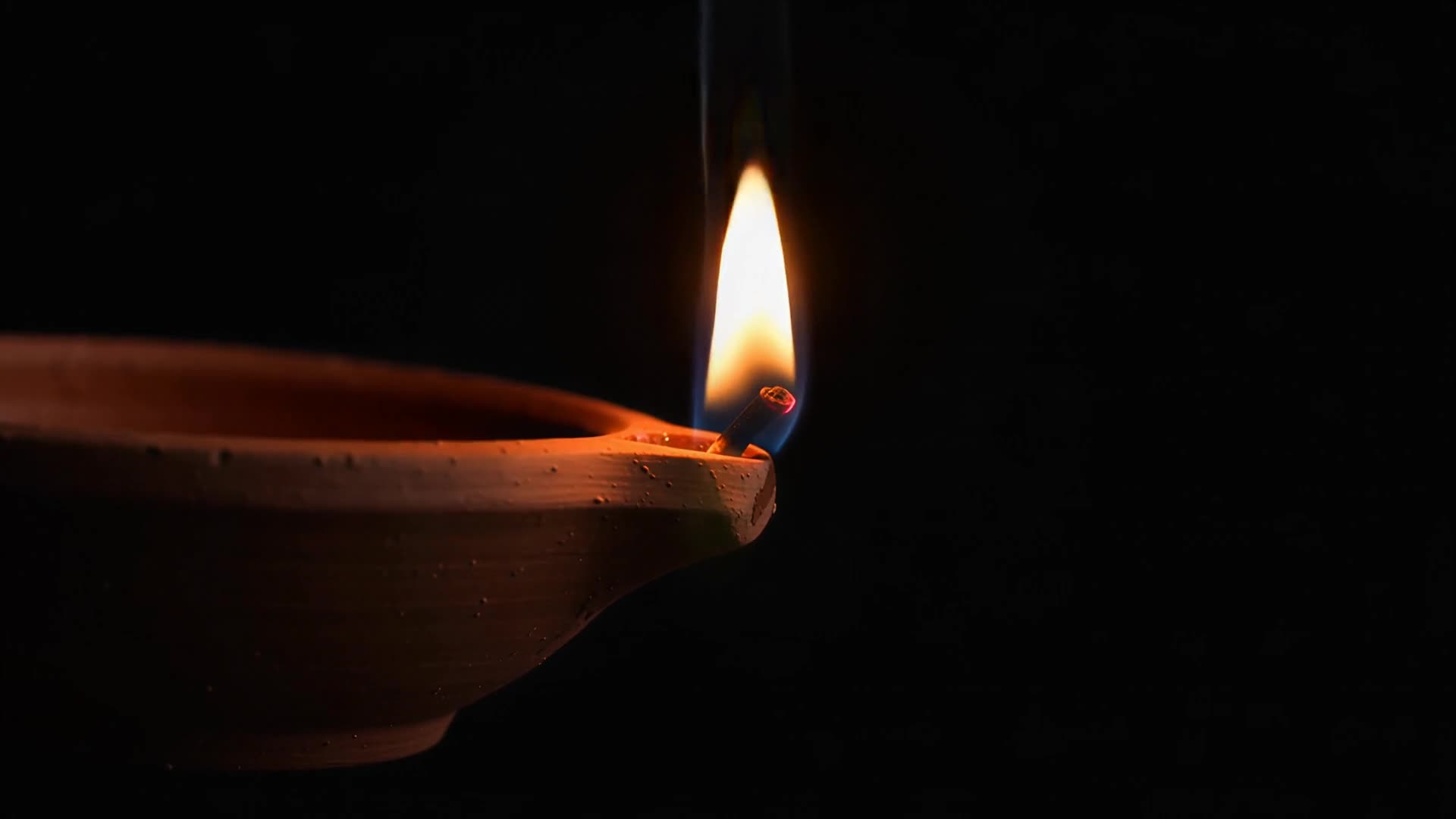 Single diya flame, close-up
 Firework fountain sparks rising
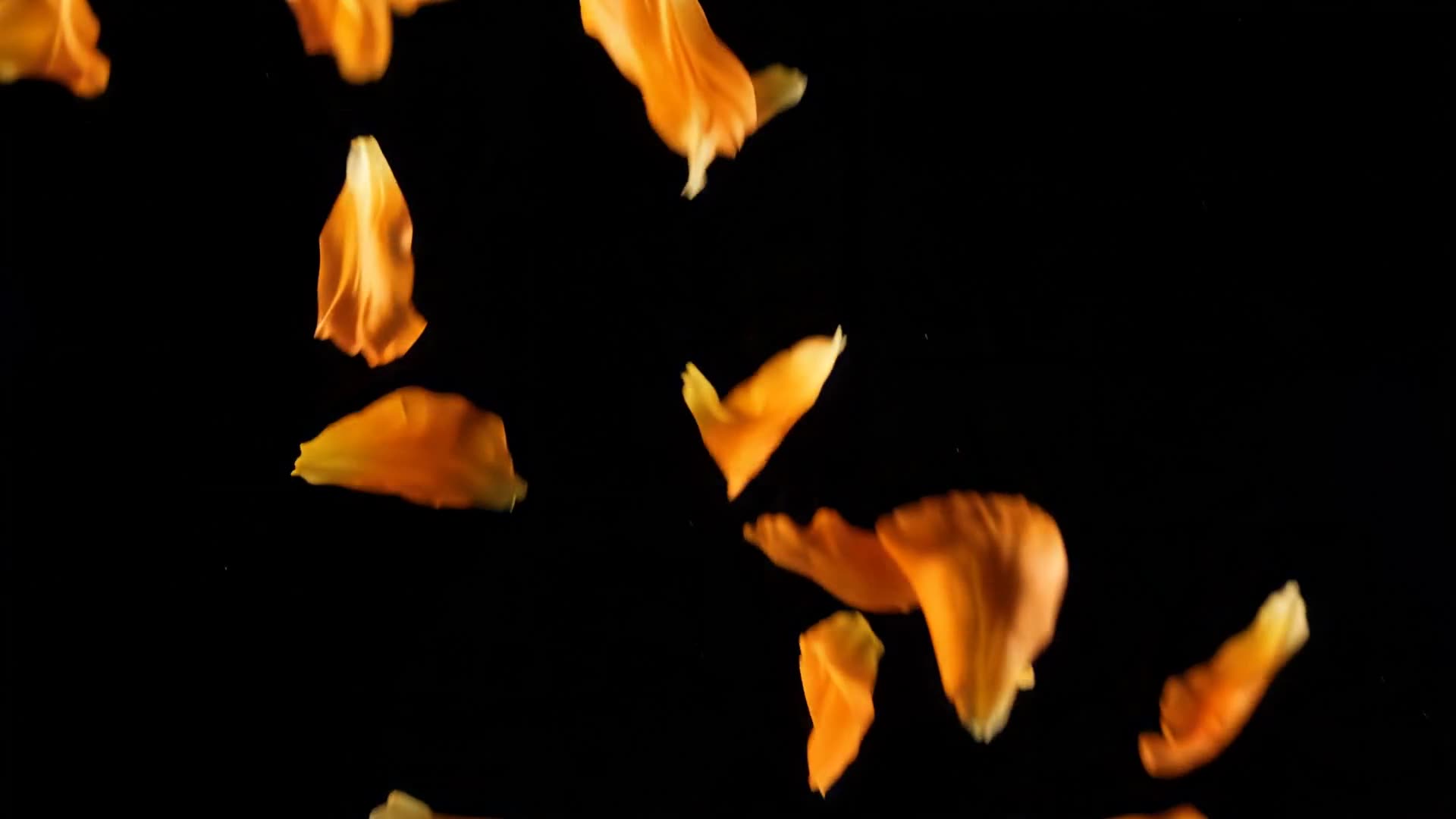 Orange flower petals falling
 Gold willow firework
Light leaks and rays
Embers, sparks, fire and glitter
Smoke and fog
Textures
Rain and snow
Burns, wipes and reveals
About this collection and license+
Every clip in this collection is AI-generated and hand-picked. Each one is light or particles against a black background, which is what makes them work as overlays: black disappears under a screen or lighten blend, leaving only the light.
All clips are HD (1920x1080) mp4 downloads. Use them in client work, YouTube videos, reels, and ads. Attribution is appreciated but not required. No signup and no watermark.
Read the full licence terms, including commercial use and model releases.
How to use overlay b-roll+
Screen blend, then pull the opacity down
Set the overlay layer to screen or lighten and the black drops out completely. Start at 100 percent to see the effect, then pull back to 30 or 40 percent, which is usually where it stops looking like an effect.
Light leaks hide cuts
Place the warm light leak across a hard cut so the brightest part of the sweep lands on the edit point. The eye follows the light and the cut disappears underneath it.
In CapCut: Overlay, Blend, Screen
On a phone, open your video, tap Overlay, then Add overlay, and pick the clip. With the overlay selected, tap Blend and choose Screen, then drag the opacity down. On desktop, select the overlay clip on its track, open Video, then Basic, then Blend, and set it to Screen. Stretch the layer to cover the frame if it lands smaller than your video.
Burns and wipes are cuts in disguise
Lay the burn to white, the smoke wipe or the ink plume across a cut so the frame where it fills the screen sits on the edit point. Screen blend gives the soft version. For a hard reveal, set the ink plume as a luma matte on the incoming shot.
Match the particle to the scene
Embers and sparks suit warm interiors and fire. Caustics belong on anything near water. Fog and smoke sit over almost anything, which is why they are the two worth grabbing first.
How do I use a video overlay?+
Drop the clip on a layer above your footage and set the blend mode to screen or lighten. The black background disappears and only the light or particles remain. Lower the layer opacity to control the strength.
How do I use a video overlay in CapCut?+
On a phone: open your project, tap Overlay, then Add overlay, and choose the clip. With it selected, tap Blend and pick Screen; the black disappears. Lower the opacity to taste. On desktop: select the overlay clip, then Video, Basic, Blend, and set the mode to Screen.
Can I use these clips commercially?+
Yes. All clips are licensed for commercial use in videos, ads, and client projects. You cannot resell or redistribute the raw clips themselves.
Do the overlays have a watermark?+
No. Every clip downloads as a clean HD mp4 with no watermark and no signup.
Related collections
Get new clips first
The library grows in batches during early access. Join the list and get each new collection by email, free. Missing a scene? Reply to any of those emails and say which; requests decide what gets made next.